
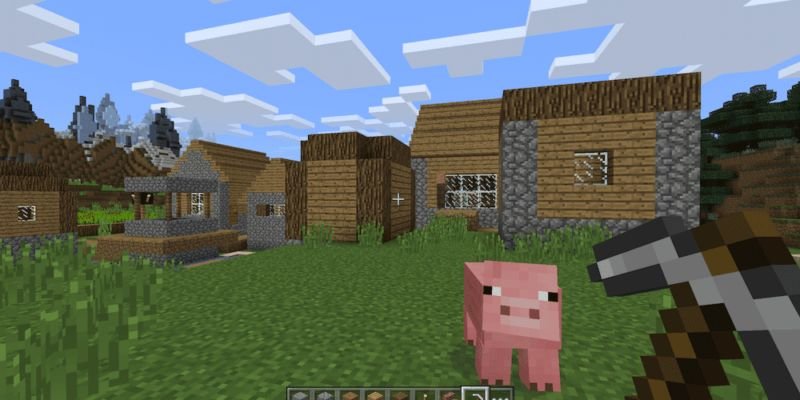
Minecraft is one of the most famous games ever, and for good reason. The game provides an opportunity to players to try all sorts of things, with immense versatility. However, like every other game, it is not free from errors, especially if you use a launcher. In this article, we are going to learn how to reset Minecraft TLauncher. Here is everything you need to know:

Minecraft
The 1.17 update or the Caves and Cliffs Part 1 update, comes with a plethora of features. Among these are new mobs that have been introduced, including the much-awaited axolotls. Other content additions included new biomes and blocks. However, the reason for the breakdown of the update into parts was due to the amount of content that is yet to be released.
How to reset Minecraft TLauncher?
Tlauncher is a Minecraft cracked launcher, one of the best available in the market right now. For the uninitiated, a cracked launcher is a way to play the game for free, on cracked servers. Here are the steps you can follow in order to reset Minecraft TLauncher:
- Click the Settings icon in the bottom right corner
- Click Settings
- Here, select Reset to defaults
- Click the Yes button to make the changes
- Click the Save button to save changes
- Click the Settings icon in the bottom right corner
- Click Settings
- Switch to the TLauncher Settings
- Here, select Full Reset
- Click Do you want to reset with a restart?
- Click the Yes button.
Read more about Minecraft here:
