
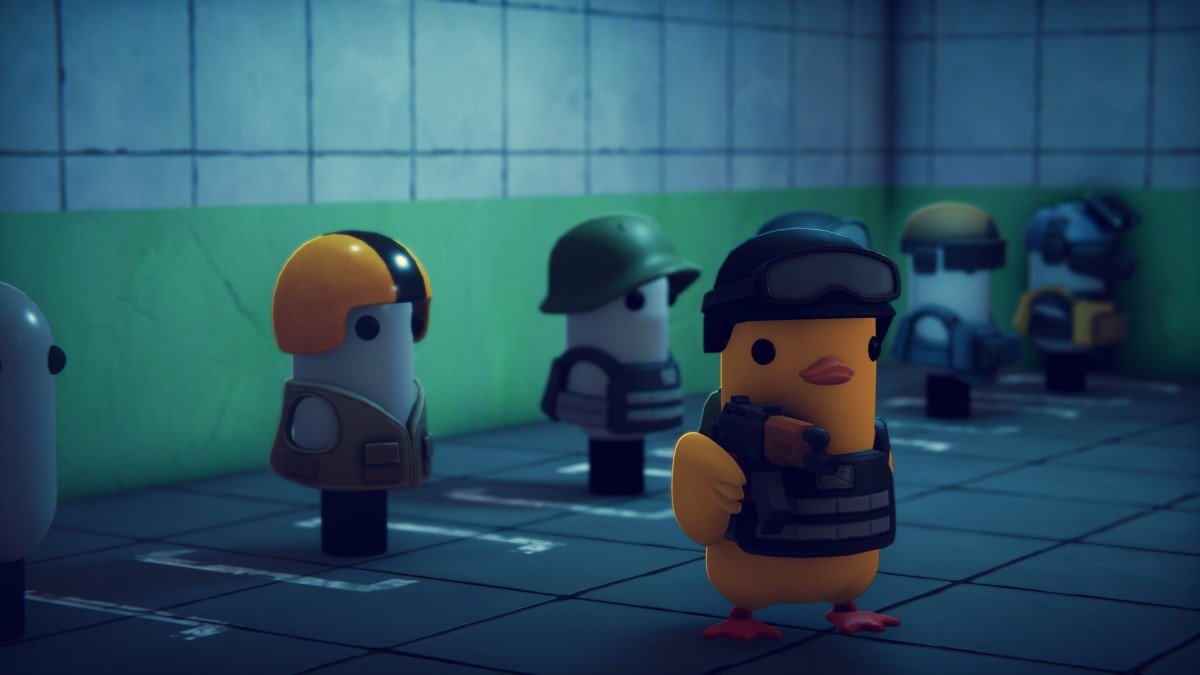
Escape from Duckov is a freshly launched shooter RPG game. As it is in its early phases, there are still some bugs that need to be taken care of. The developers are looking into the matter and will keep providing support through this initial phase of release. This article sheds light on some of the current issues as well as details the fixes for the black screen problem in Escape from Duckov.
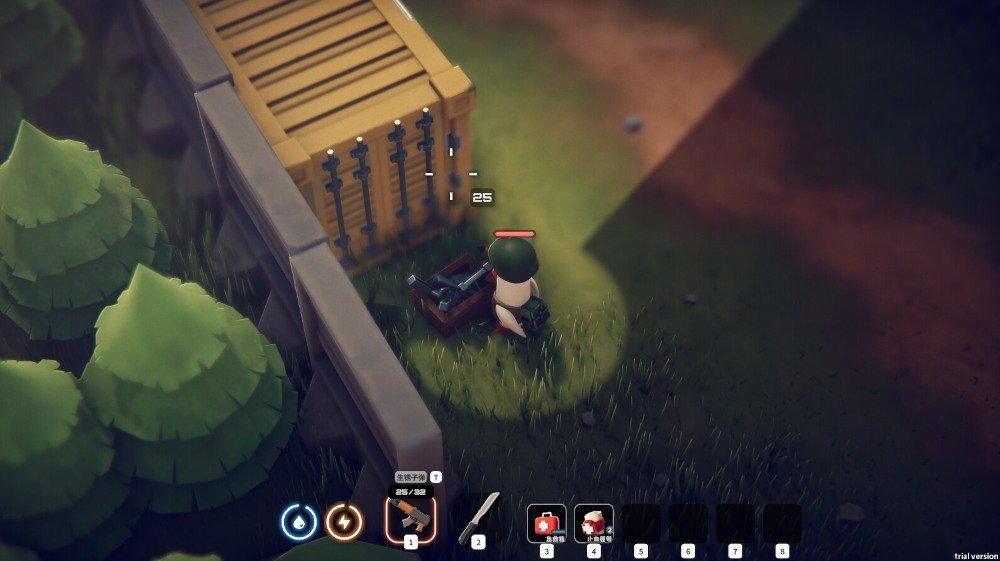
Escape from Duckov Black screen and crashing issue: How to fix it?
The developers certainly have taken note of the problems and are working to resolve them. They have clarified on the online Steam forum that the issues are expected to be resolved through the upcoming patches. The issues identified and being resolved by the developers are as follows:
- Windowed mode or incorrect scaling.
- Random crashes due to certain hardware configurations.
- Audio dropout or stutter during gameplay.
- Save file issue on macOS
- Extraction issue during tutorial and FPS & latency issues.
Apart from this is another problem that pops up during launching the game via Steam. Apparently, the screen blacks out, and there are random crashes while playing the game. The steps to resolve these issues have been elaborated below:
- To avoid random crashes, uninstall any mods that you are using for the game, which might cause compatibility issues.
- Update graphics driver: To avoid a black screen in Duckov, try updating the graphics driver by visiting the manufacturer’s site and installing the latest version.
- Backup and reset the saves: Disable cloud saving. To locate the save files, press Windows key + R and type %appdata%. Navigate to locallow/teamsoda/duckov. Move all the files to another location, then move them back to the save folder location.
- Disable Steam shader: Open Steam and click on its icon in the top-left corner. Go to properties and under the downloads tab, uncheck the box next to ‘enable shader pre-caching’.
This should resolve the problem related to the black screen and random crashing. If you are still facing any issues, you may explain them in detail to the game’s support team for further guidance. Additionally, you may visit Digistatement for similar guides and updates related to this game and various others.
